
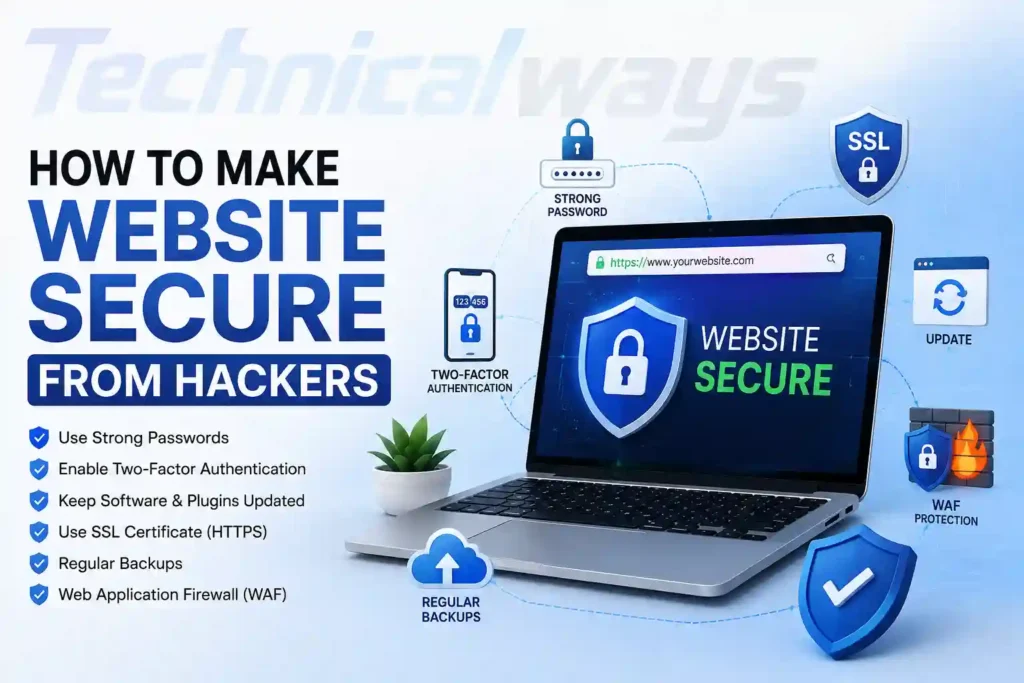
How to make website secure from hackers is a question every website owner should take seriously, whether they run a small blog, an online store, or a large business platform. Websites get targeted by hackers far more often than most people realize, not always because they hold valuable data, but sometimes simply because they have weak security that makes them an easy target. This guide walks through practical, real world steps to make a website genuinely harder to break into.
Why Websites Get Targeted By Hackers
A common misconception is that hackers only go after large, well known websites. In reality, small and medium sized websites are attacked constantly, often through automated tools that scan the internet looking for outdated software or weak security settings. Attackers do not always need a specific reason to target a site. Sometimes a website is compromised simply to send spam, host malicious content, or become part of a larger network used for other attacks.
Understanding that every website is a potential target, regardless of its size or purpose, is the first step toward taking security seriously.
Keep Software And Plugins Updated
One of the most common ways hackers gain access to a website is through outdated software. This includes the content management system itself, along with any plugins, themes, or extensions installed on the site. Developers regularly release updates that patch known security vulnerabilities, and delaying these updates leaves the door open for attackers who specifically look for sites running older, unpatched versions.
Setting up automatic updates where possible, or at least checking for updates on a regular schedule, significantly reduces this risk.
Use Strong Passwords And Limit Login Attempts
Weak login credentials remain one of the easiest ways for hackers to break into a website’s admin area. Using strong, unique passwords for all admin accounts, combined with a password manager to keep track of them, removes one of the most common points of failure.
Limiting the number of login attempts allowed within a short period of time also helps block automated attacks that try to guess passwords repeatedly. Many security plugins and hosting providers offer this feature built in, making it a fairly simple protection to set up.
Enable Two Factor Authentication
Adding two factor authentication to website admin accounts creates an extra barrier that a stolen or guessed password alone cannot get past. Even if an attacker somehow obtains login credentials, they would still need access to a secondary verification method, such as a code sent to a phone or generated through an authentication app, before gaining entry.
This single step blocks a large percentage of unauthorized login attempts and is one of the more effective, low effort security measures available.
Install An SSL Certificate
An SSL certificate encrypts the data transferred between a website and its visitors, which is especially important for any site handling personal information, payments, or login credentials. Websites without SSL not only put visitor data at risk but are also flagged as not secure by most modern browsers, which can hurt both trust and search engine rankings.
Most hosting providers now offer free SSL certificates, making this one of the easier security measures to implement with little to no added cost.
Use A Web Application Firewall
A web application firewall acts as a filter between a website and incoming traffic, blocking malicious requests before they ever reach the site itself. This helps protect against common attack methods like SQL injection and cross site scripting, where attackers try to manipulate a website’s code or database through vulnerable input fields.
Many website security plugins and hosting services include a basic firewall as part of their offering, and setting one up does not usually require advanced technical knowledge.
Back Up Website Data Regularly
Regular backups will not prevent an attack, but they can be the difference between a minor inconvenience and a complete disaster if a website does get compromised. Backups should be stored in a separate location from the main website, whether that is cloud storage or an offline system, so that a compromised site does not also take down its own backup copies.
Testing backups periodically to make sure they actually restore properly is just as important as creating them in the first place.
Limit User Access And Permissions
Not everyone who has access to a website needs full administrative control. Limiting user roles and permissions based on what each person actually needs to do reduces the potential damage if one account gets compromised. A content writer, for example, generally does not need the same level of access as a site administrator.
Reviewing user accounts periodically and removing access for anyone who no longer needs it, such as former employees or contractors, is a simple step that is often overlooked.
Monitor Website Activity
Keeping an eye on website activity makes it much easier to catch suspicious behavior early. Many security tools can alert website owners to unusual login attempts, unexpected file changes, or spikes in traffic that might indicate an attack in progress.
Catching a problem early, before it fully escalates, often makes the difference between a quick fix and a much larger cleanup effort later on.
Choose A Secure Hosting Provider
The hosting provider a website runs on plays a bigger role in security than many people realize. A good hosting provider offers built in security features, regular server level updates, malware scanning, and responsive support in case something goes wrong. Choosing a reputable host with a track record of strong security practices adds a solid foundation that individual website level protections can then build on top of.
Conclusion
Making a website secure from hackers is not about achieving perfect, unbreakable protection, since no website is ever completely immune to every possible threat. It is about consistently reducing risk through practical steps like keeping software updated, using strong authentication, backing up data regularly, and choosing reliable hosting.
Website owners who treat security as an ongoing responsibility, rather than a one time setup, are far better positioned to avoid becoming an easy target. Taking these steps early, before an attack happens, is always easier than dealing with the aftermath of a website that has already been compromised.
Frequently Asked Questions
Can small websites really get hacked?
Yes. Small websites are often targeted precisely because they tend to have weaker security, and many attacks are carried out by automated tools rather than targeted human effort.
Is an SSL certificate really necessary for every website?
Yes. SSL certificates protect visitor data and are now considered a basic requirement, with most modern browsers flagging sites without one as not secure.
How often should website backups be created?
This depends on how frequently the site’s content changes, but many website owners back up weekly or after any significant update, storing copies separately from the main site.
Do I need technical skills to secure my website?
Not necessarily. Many security measures, like installing a firewall plugin or enabling two factor authentication, can be set up without advanced technical knowledge.
What is the most important first step in securing a website?
Keeping software, plugins, and themes updated is one of the most important and simplest steps, since outdated software is one of the most common ways hackers gain access.
Also read: Machine Learning Explained For Beginners